
2 SC is a 2-tier security controller that monitors and manages multiple security devices such as door magnets, access control devices, and sensors. It can be connected to 4 SC or 8 SC controllers to form a multi-tier security control system.
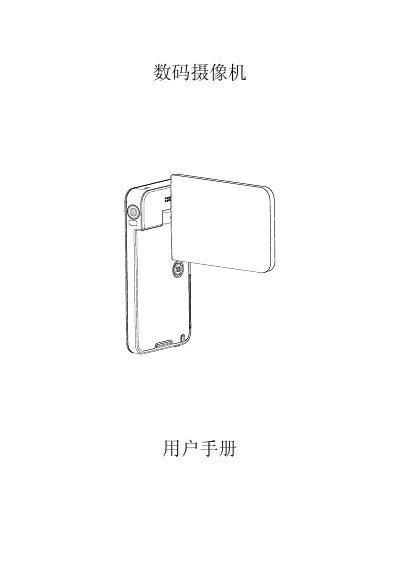
The Haier DV-I7 is a digital camcorder featuring a 5.0 megapixel image sensor capable of recording H.264 format video and capturing high-quality still images up to 16 million pixels. It includes a 3-inch LCD touch screen for intuitive menu navigation and supports manual ISO sensitivity and white balance adjustments. This manual is written in Chinese.
| Image Sensor | 5.0 megapixels |
|---|---|
| Video Format | H.264 |
| Max Still Image Resolution | 16 million pixels |
| Screen Size | 3 inches |
| Video Resolution Support | 1920x1080 |
| Memory Card Support | Micro SD (1GB or higher) |
It takes approximately 4.5 hours when using the AC adapter.
This indicates a slow memory card or corrupted content; format the card using the camcorder.
You need Windows XP/Vista/7, a Dual-Core CPU, 1GB RAM, and 2GB free disk space.