
User manual for the Zeiss Ultra-60 Field Emission Scanning Electron Microscope, covering safety, sample loading, operation, and detector usage.
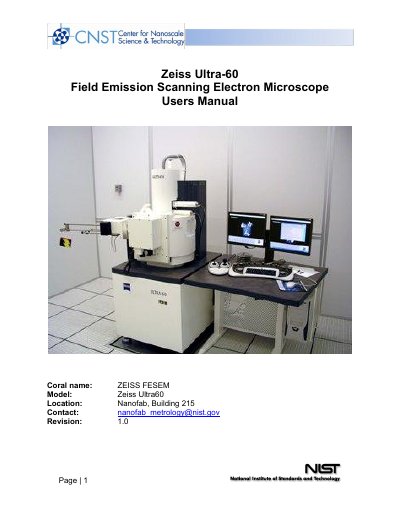
This manual provides operating instructions for the Zeiss Ultra-60 Field Emission Scanning Electron Microscope (FESEM). It details safety precautions, including radiation warnings and the requirement for qualified staff to operate the instrument. The document outlines the specific procedures for logging into the system, launching the Smart-SEM software, and handling the specimen exchange assembly.
| Maximum acceleration voltage | 30 kV |
|---|
Users must first be qualified to use the tool by NanoFab staff and issued a SmartSEM user account.
5 kV is usually a good starting point, unless the sample is exceedingly thin or has charging problems.
The IN-LENS detector is recommended for superior SE image quality at low accelerating voltages (3 kV or lower).