
This document is the user manual of Zeiss LSM 710. It introduces the usage of the product, including startup, debugging, operation, etc.
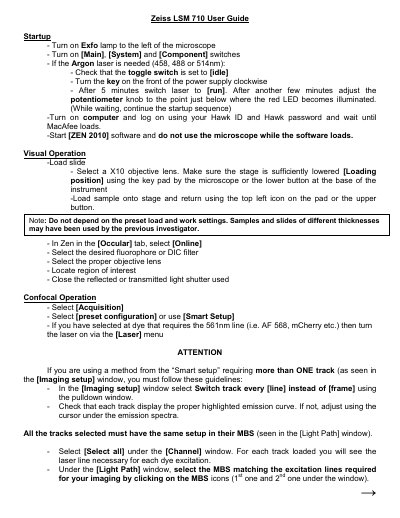
This document provides instructions for operating the Zeiss LSM 710 confocal microscope. It details the startup sequence, including turning on the Exfo lamp, activating system switches, and logging into the ZEN 2010 software. The guide explains how to load slides, select objectives and filters, and configure the system for both visual observation and confocal imaging.
Set the toggle switch to [idle], turn the power supply key clockwise, wait five minutes, switch to [run], and adjust the potentiometer knob until the red LED is just below illumination.
Save images to the D:\ drive and do not store them on drive C:\.
Wait about 5 minutes from turning the key off for the fan to switch off.