
This user guide covers installation, setup, operation, and maintenance for the Zebra ZD420 thermal transfer desktop label printer.
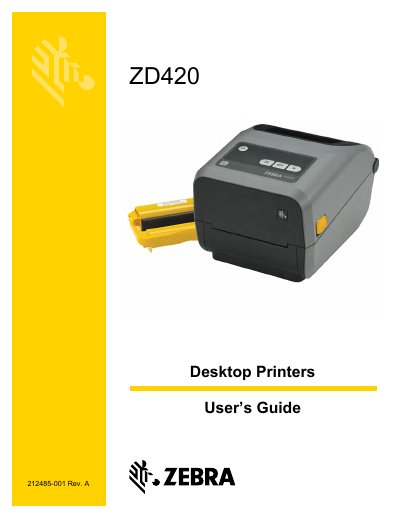
This manual provides comprehensive instructions for the Zebra ZD420 desktop label printer, covering features, options, and daily operations. It details how to unpack, inspect, and install the printer, including setting up various connectivity modules like USB, Serial, Ethernet, and Wi-Fi.
| Print Density | 203 dpi |
|---|---|
| Print Speed (203 dpi) | up to 152.4 mm/s (6 ips) |
| Print Speed (300 dpi) | up to 101.6 mm/s (4 ips) |
| Programming Languages | ZPL and EPL |
The printer supports ZPL and EPL Zebra printer programming languages.
The 203 dpi version prints up to 152.4 mm/s (6 ips), while the 300 dpi version prints up to 101.6 mm/s (4 ips).