
Zebra TLP 2824 Desktop Printer User Guide

User guide for the Zebra TLP 2824 desktop printer, covering setup, operation, maintenance, and troubleshooting.
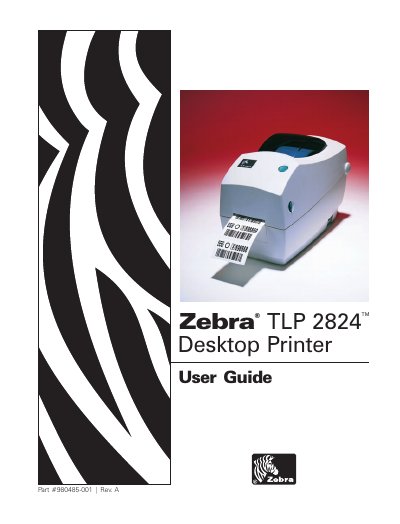

Zebra TLP 2824 Desktop Printer User Guide - cover page
Brand
Zebra
Category
Printer
Document type
User Manual
Language
English
Pages
60
File format
PDF
File size
3.6 MB
Published
19 November, 2026
Updated
19 November, 2026
MD5 checksum
5C9C2429095ABB372F8CFF9FD43D5D9C

About this manual

This manual provides instructions for the Zebra TLP 2824 desktop printer, a high-quality on-demand printer supporting both thermal-transfer and direct-thermal printing. It includes procedures for unpacking, inspecting, and setting up the printer with various interfaces such as USB, Parallel, Ethernet, and Serial.

What's inside

  • Introduction
  • What's in the Box?
  • Inspecting the Printer
  • Getting Started
  • Modes of Printing
  • Attaching Power Supply
  • Loading Roll Media
  • Loading Ribbon
  • Operator Controls
  • Hooking Up the Printer

Frequently asked questions

What is the Zebra TLP 2824 printer used for?

It is a high-quality on-demand printer for thermal-transfer and direct-thermal printing.

What should users do if labels or ribbon run out during printing?

Do NOT turn the power switch OFF while reloading, or data loss may result.

What is required to connect the printer to a computer via USB?

USB Interface Requirements must be met.

What is the printer’s model number?

TLP 2824

Download PDF (3.6 MB)

More Zebra Manuals


View all Zebra manuals →