
This is the user guide for the Zebra GK420t desktop thermal printer, covering setup, operation, maintenance, and troubleshooting.
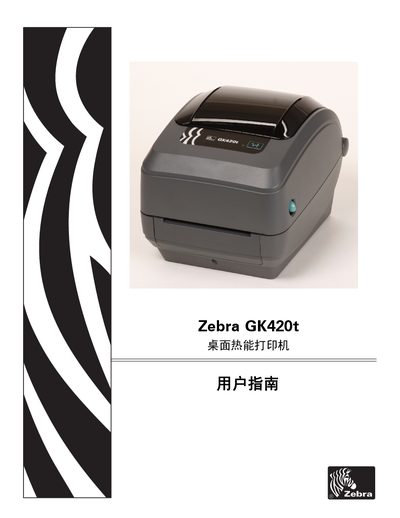
The Zebra GK420t is a desktop thermal printer designed for printing labels. This manual serves as a comprehensive guide for users and technicians to operate the device effectively.
The document covers essential topics including initial setup such as connecting power and installing media (rolls or sheets), configuring the printer via software, and performing test prints. It also details advanced operations like adjusting print quality, using various fonts, and managing consumables. This manual is written in Chinese.
The printer requires a Universal Serial Bus (USB) 2.0 interface for connection.
The cable and its packaging must display a 'Certified USB™' mark to comply with USB 2.0 standards.
Yes, multiple printers can share one USB port or hub.