
This guide provides quick reference information for the Zebra ET51/56 Enterprise Tablet, including features, setup, and usage instructions.
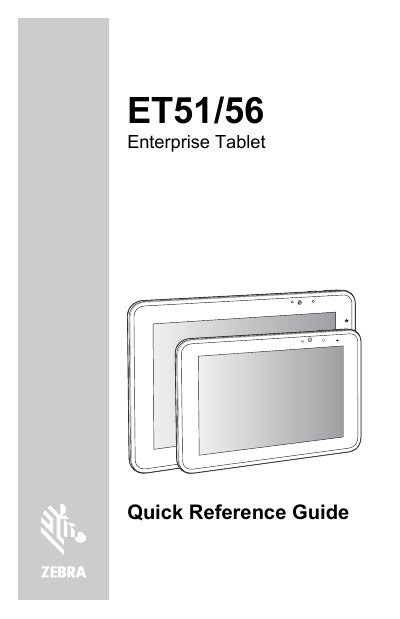
The Zebra ET51/56 Enterprise Tablet is a rugged wireless device available in WLAN (ET51) and WWAN (ET56) configurations. This Quick Reference Guide outlines key features such as ambient light sensors, cameras, and connectivity options, along with instructions for installing memory cards and SIM cards.
| Operating Temperature | +50°C |
|---|---|
| Charging Time (8.4" to 90%) | approximately 2 hours |
It shows OFF when not charging, ORANGE when charging, GREEN when fully charged, and RED for a charge error.
The ET51 is a wireless LAN (WLAN) tablet, while the ET56 is a wireless WAN (WWAN) tablet.
The 8.4" tablet main battery takes approximately 3 hours to charge from fully depleted to 100%.
The declared maximum operating temperature is +50°C.