
User manual for the Yeastar TA400/800FXS analog VoIP gateway, covering setup, configuration, and call features.
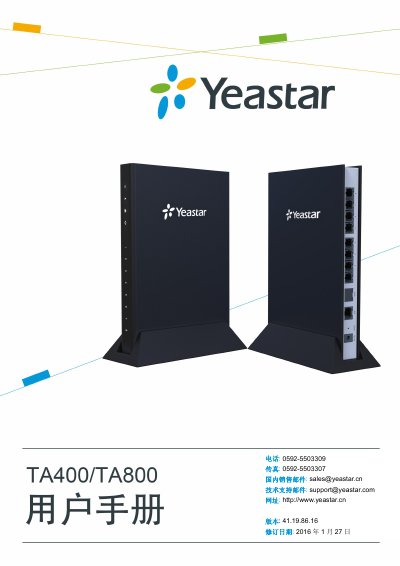
The TA400/800FXS gateway is a desktop analog VoIP gateway from Yeastar that supports SIP and IAX protocols and provides 4 or 8 FXS ports. It is designed for small businesses, home offices, and remote offices, offering features such as call routing, three‑party conference, IP direct call, and T.38 fax.
This manual guides users through the web‑based configuration interface, explains system status pages, details VoIP and gateway settings, and describes basic call operations like internal port calls, call transfer, call hold, and three‑party conference. This manual is written in Chinese.
| FXS ports | 4 or 8 |
|---|---|
| Supported protocols | SIP, IAX |
| Default IP address | http://192.168.5.150 |
| Default username | admin |
| Default password | password |
The default IP address is http://192.168.5.150.
Open a browser, go to the default IP address, and enter the username admin and password password.