
This manual covers the installation, operation, settings, and troubleshooting for the Yamatake MCW400A100 Multi-Channel Indicator.
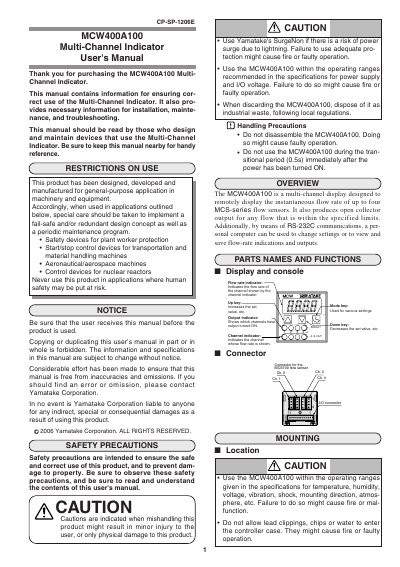
The Yamatake MCW400A100 Multi-Channel Indicator is a device designed to remotely display the instantaneous flow rate of up to four MCS-series flow sensors. It features a 7-segment LED display, channel indicators, and output indicators for up to four channels. The unit supports RS-232C communication for connecting to a personal computer to change settings or view data.
| Number of channels | up to four |
|---|---|
| Display type | 7-segment LED |
| Communication interface | RS-232C |
| Output type | open collector |
The factory default operation mode is CO1, which is window comparator mode 1.
Yes, a personal computer can be used to change settings or view flow-rate indications via RS-232C communications.
The unit automatically enters indication mode, showing the flow rate of channel 1.