
A concise guide that shows how to connect, power up, and configure the XENYX QX2222USB and QX1622USB mixers.
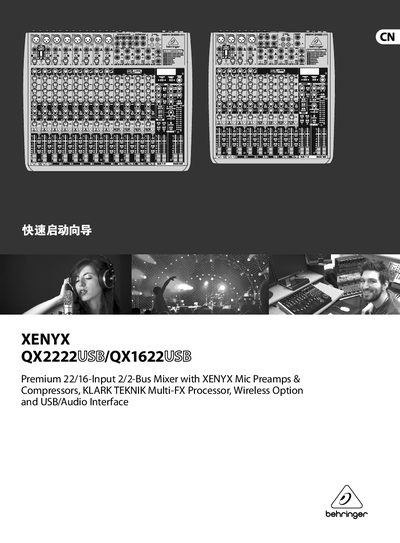
This Quick Start Guide walks you through the essential steps to get the XENYX QX2222USB or QX1622USB mixer up and running. It covers connecting power, audio and USB cables, setting gain, using the built‑in multi‑effects processor, and basic mixing functions.
The guide also includes a brief overview of the mixer’s technical specifications, warranty information, and how to register the product online for support. It is intended for musicians, small bands, and venues that need a fast setup for live or rehearsal use. This manual is written in Chinese.
| Mono Inputs (Mic) | 84 |
|---|---|
| Frequency Response (Mic In → Main Out) | <10 Hz – 160 kHz ±3 dB |
| Power Consumption | 50 W |
| Dimensions (W × D × H) | 16.9 × 14.6 × 3.5 in |
| Weight | 10.6 lb (QX2222USB) / 7.7 lb (QX1622USB) |
Turn off all devices, then connect the appropriate power cable, audio cables, and USB cable as shown in the guide before turning the mixer on.
After purchase, go to the Behringer website and fill out the online registration form to speed up warranty service.
It adds the selected effect to any channel whose FX knob is turned to the middle position, using the built‑in KLARK‑TEKNIK processor.