
Quick start guide for the XENYX 1202/1002/802/502 mixer, covering safety, connections, controls and basic setup.
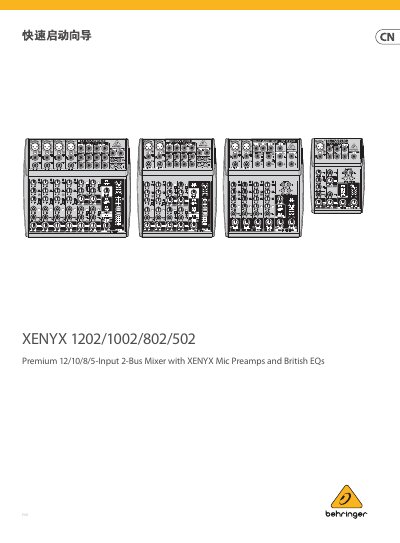
This guide provides essential safety information and recommended installation practices for the XENYX 1202/1002/802/502 mixer, including warnings about electric shock, proper grounding, and environmental restrictions. It also explains how to register the product online and obtain warranty support.
The document details the mixer’s front‑panel controls, input and output connections, gain and EQ settings, phantom power operation, and basic level‑setting procedures. Technical specifications such as frequency response, gain range, signal‑to‑noise ratio, power consumption and dimensions are listed for quick reference. This manual is written in Chinese.
| Mic input frequency response | <10 Hz – 150 kHz –1 dB |
|---|---|
| Mic preamp gain range | +10 dB to +60 dB |
| Signal‑to‑noise ratio | 110 dB / 112 dB A‑weighted |
| THD+N | 0.005 % / 0.004 % |
| Power consumption | 20 W |
| Dimensions (H × W × D) | 1.9 × 9.5 × 8.7 in |
| Weight | 4.8 lb / 2.2 kg |
Press the phantom power switch; the red +48 V LED will light when phantom power is active.
Turn the GAIN knob clockwise to increase input amplification; set it to the leftmost position when no signal is connected.
The mixer uses Behringer PSU adapters (e.g., MX5UL, MX3UL, MX5EU, MX3EU) matching the regional voltage and current specifications.
After purchase, go to musictribe.com and complete the online registration form to activate warranty service.