
This user guide covers the installation, operation, calibration, and maintenance of the X-Rite RM61 Spectrophotometer.
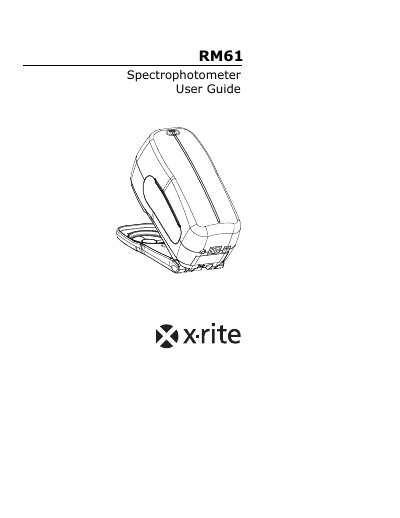
The X-Rite RM61 Spectrophotometer is a compact and reliable instrument designed for color measurement, reporting spectral data to a PC. This manual provides instructions for setting up the device, including installing the battery pack and connecting the interface cable and AC adapter. It also details the LED indicator status for various operational conditions.
| Product Type | Spectrophotometer |
|---|---|
| Battery Pack Model | SP62-79-23 |
| AC Adapter Models | SE30-81 (115V) or SE30-177 (100-240V) |
| Initial Charge Time | minimum of four (4) hours |
A flashing amber LED indicates that calibration is required.
A solid green LED indicates that a successful measurement was taken.
No, only X-Rite battery chargers SE30-81 or SE30-177 should be used to avoid equipment malfunction.
The optics should be cleaned once a week in a normal environment, and more often in a dirty or dusty environment.