
This file introduces the use of the i1iSis measurement device.
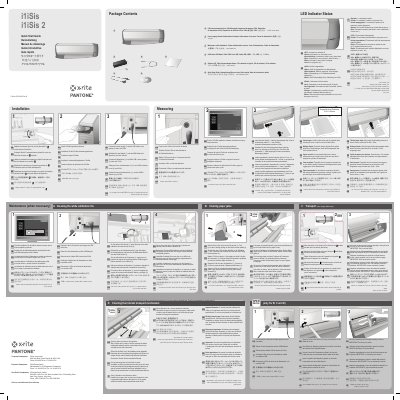
This guide provides step-by-step instructions for setting up and using the i1iSis measurement device. It covers powering on the device, installing software, connecting cables, cleaning the calibration tile, and handling paper jams. The device uses a white calibration tile for accuracy and includes LED indicators to show status.
The guide is multilingual, supporting multiple languages including English, German, French, Italian, Spanish, Chinese, and Japanese. It includes safety notes such as not cleaning unmarked parts and not using compressed air. Maintenance is recommended once per year or as prompted by software.
The white calibration tile should be cleaned once per year or when prompted by software.
The green blinking LED indicates the instrument is ready to scan: Insert chart.
Disconnect the i1iSis from the main supply and USB connection by unplugging the power cable and USB cable.