
The X-Rite i1Pro 3 User Manual provides installation, calibration, measurement, troubleshooting, and compliance instructions for the measurement device.
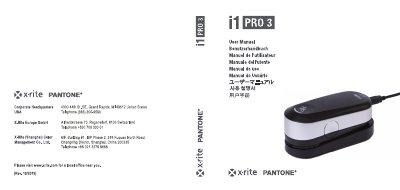
The X-Rite i1Pro 3 User Manual provides operating instructions for the i1Pro 3 measurement device, including package contents, device overview, installation, and status indicators. It explains how to install the i1Profiler software, connect the device by USB, and interpret the status indicator lights.
The manual also describes calibration using the calibration plate, scan measurement procedures, general maintenance, and troubleshooting with the i1Diagnostics software. Compliance statements for CE, FCC, and Industry Canada are included.
| Power rating | 5 V 500 mA |
|---|---|
| USB cable length | 2.0 m |
| Measurement speed | 400 measurements per second |
| Compliance class | Class B digital device |
Place the device on the calibration plate and start calibration mode in the software.
No, it will not work with a USB hub without external power supply.