
Winmate M101S Rugged Windows Tablet User Guide

User guide for the Winmate M101S 10.1" rugged Windows tablet, covering safety, setup, operation and troubleshooting.
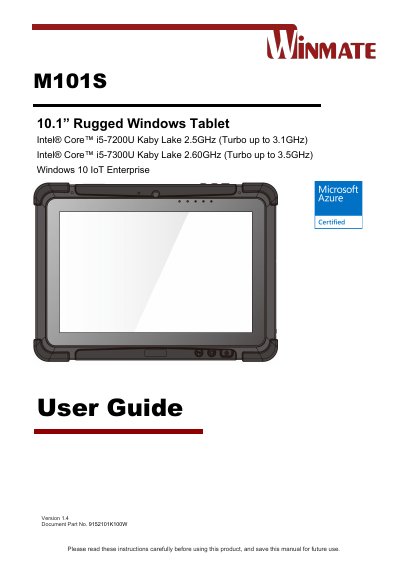

Winmate M101S Rugged Windows Tablet User Guide - cover page
Brand
Winmate
Document type
User Manual
Language
English
Pages
68
File format
PDF
File size
4.3 MB
Published
01 October, 2026
Updated
01 October, 2026
MD5 checksum
3B850C90FFEB2EF2AFBCCE24BA16BFB2

About this manual

The Winmate M101S is a 10.1‑inch rugged Windows tablet designed for industrial use. This guide provides safety instructions, handling and maintenance advice, and detailed steps for first‑time setup, including SIM, micro‑SD and battery installation.

Later chapters describe Windows 10 IoT Enterprise configuration, operation of built‑in devices (Wi‑Fi, LTE, GPS, Bluetooth, barcode and RFID readers), frequently used settings, and troubleshooting. An appendix lists full product specifications and ordering information.

What's inside

  • Read Me First
  • Getting Started
  • Setting Up Windows for the First Time
  • Operating the Device
  • Frequently Used Settings
  • Troubleshooting
  • Appendix: Product Specifications
  • Appendix: Order Information
Download PDF (4.3 MB)

More Winmate Manuals


View all Winmate manuals →