
VTech W960 Thermostat Installation Guide

Installation guide for the VTech W960 thermostat, covering wiring, DIP switches, batteries, and system setup for Frigidaire PTAC or heat pump equipment.
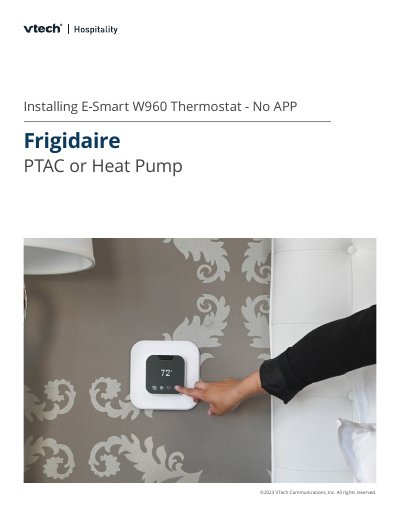

VTech W960 Thermostat Installation Guide - cover page
Brand
V-tech
Category
Air conditioner
Document type
Installation Guide
Language
English
Pages
6
File format
PDF
File size
2.7 MB
Published
17 November, 2026
Updated
17 November, 2026
MD5 checksum
5B56665B338ACC29BDCFA8A100694E8D

About this manual

This installation guide covers the VTech W960 thermostat for use with Frigidaire PTAC or heat pump equipment. It explains how to power down the unit, change DIP switches, attach the wiring harness, and install batteries.

The guide also describes on-board configuration for conventional and heat pump systems, occupancy detection, system clock setup, and default settings.

What's inside

  • Power down the PTAC and remove the cover
  • Attach the VTech Wiring Harness
  • Install the batteries into the thermostat
  • How to provision the W960 Thermostat using a standard on-board configuration
  • Test your system
  • Set Occupancy Detection and System Clock
  • Default Settings

Specifications

Compressor short cycleOn
ScaleF
Comfort setpoint74°F
Fan speed2 speed
Current PIN code0000

Frequently asked questions

How do you enable Wall Thermostat control?

Change the #2 Dip Switch to the UP (On) position.

What batteries does the thermostat use?

It uses 4 AAA batteries.

How do you wake the thermostat?

Tap any key to wake it.

What do you do after setup is complete?

Set up occupancy detection and the system clock.

Download PDF (2.7 MB)

More V-tech Manuals


View all V-tech manuals →