
This is a user manual for VTech MobiGo learning tablet. This tablet allows children to learn numbers, letters, spelling and music through touch screen games.
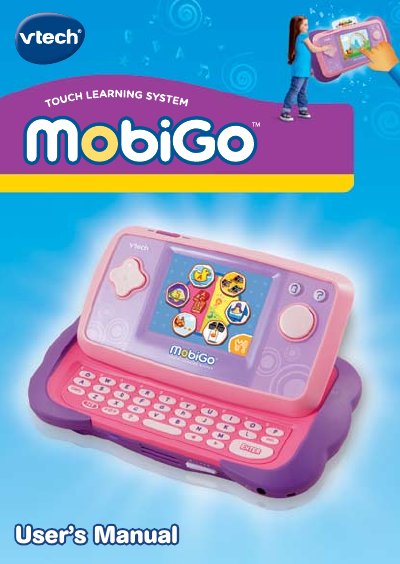
The VTech MobiGo Touch Learning System is an educational toy designed for children to learn through interactive touch screen games. The package includes the MobiGo unit, a game cartridge, a USB cable, a soft cloth, and this user manual. The device features a sliding screen, a built-in keyboard, and various buttons for navigation and game control.
| Battery Type | 4 X 1.5V size AA AM-3 or LR6 |
|---|---|
| Power Supply | 9V -- 300mA AC/DC adaptor |
| Age Recommendation | Not for children under 3 years old |
Turn the unit OFF, remove the battery covers on the back, insert 4 AA batteries observing polarity, and replace the covers.
Use the included USB cable to connect the unit to a computer for data transfer or backup.
When the low battery icon appears on the screen, you should replace the batteries soon.