
VTech My Laptop User's Manual

This manual provides setup instructions, feature descriptions, and activity guides for the VTech My Laptop educational toy.
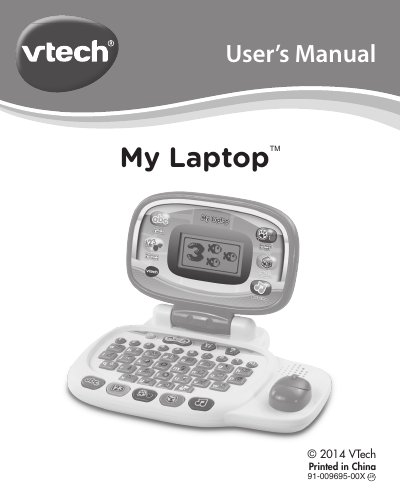

VTech My Laptop User's Manual - cover page
Brand
V-tech
Category
Other Electronics
Document type
User Manual
Language
English
Pages
16
File format
PDF
File size
1.5 MB
Published
05 November, 2026
Updated
05 November, 2026
MD5 checksum
1D8956D4A22F92E6B9722A9001E3BB22

About this manual

The VTech My Laptop is an educational toy designed for children that offers a progressive curriculum through 30 fun activities. A friendly penguin character guides users through learning capital and small letters, phonics, spelling, maths, shapes, animals, food, logic, and music. Users can customize their experience by entering their child's name, age, favorite food, and selecting a tune to play when the device powers on.

What's inside

  • Introduction
  • Included in this Package
  • Getting Started
  • Battery Installation
  • Battery Notice
  • Product Features
  • Activities: Letters and Words
  • Activities: Numbers and Shapes
  • Activities: Animals and Foods
  • Activities: Logic and Games

Frequently asked questions

What button turns the VTech My Laptop on and off?

Press the ON/OFF BUTTON to turn the unit ON and press it again to turn the unit OFF.

How many activities does the VTech My Laptop offer?

The VTech® My LaptopTM offers a total of 30 fun activities in 6 categories.

What type of batteries does the VTech My Laptop require?

Install 2 new “AA” Size (AM-3/LR6) batteries.

What happens when you press the ALL ABOUT ME BUTTON?

Press the ALL ABOUT ME BUTTON to customise your name, age, favourite food, wallpaper, opening tune and create your own avatar.

Download PDF (1.5 MB)

More V-tech Manuals


View all V-tech manuals →