
VTech Switch & Go Dinos Clash the Triceratops parent's guide covering battery installation, product features, dino-to-vehicle switching, care and…
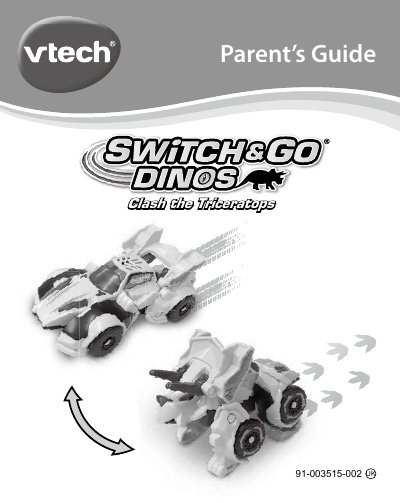
Clash the Triceratops is a VTech Switch & Go Dinos toy that changes between dinosaur and super car modes. The parent's guide explains the Off/Volume switch, Talk button and Sound Effect button, and gives battery installation and battery safety instructions.
It also describes how to switch the toy between dino and vehicle modes, automatic shut off after about one minute without input, care and maintenance, troubleshooting steps, and VTech consumer service contacts.
| Battery type | 1 new AAA (LR03/AM-4) battery |
|---|---|
| Recommended batteries | New alkaline batteries or fully charged Ni-MH rechargeable batteries |
| Automatic shut off | About one minute without input |
| Volume switch settings | LOW, HIGH, OFF |
Turn the unit off, loosen the screw on the bottom battery cover, install one new AAA (LR03/AM-4) battery following the diagram, then replace the cover and tighten the screw.
Rotate the shield forward, then turn the legs toward the head as illustrated. Repeat the steps in reverse to change back to dino mode.
Turn the dino off, remove the batteries, let it stand a few minutes, then replace the batteries and turn it on. If it still does not work, install a brand new set of batteries.
It shuts off after about one minute without input and can be turned on again by pressing any button.