
Instructions for programming a viZio universal remote control to operate TVs, cable boxes, and home theater systems using specific brand codes.
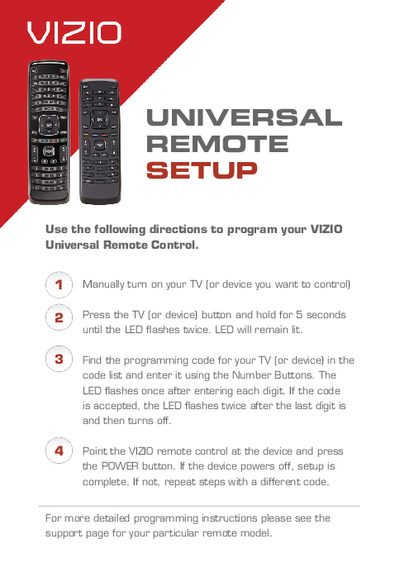
This guide provides step-by-step instructions for setting up a viZio universal remote control. Users are instructed to manually turn on the target device, press and hold the corresponding button until the LED flashes, and then enter the specific programming code for that brand. The guide confirms successful setup when the LED flashes twice and the device powers off upon pressing the remote's power button.
The LED flashes twice after the last digit is entered and then turns off.
You must repeat the setup steps using a different code from the list.
The remote supports TV, including LCD, LED and Plasma.