
This manual introduces the use of VIZIO VUR8 Universal Remote Control, including the function, use method, programming method, etc. of the remote control.
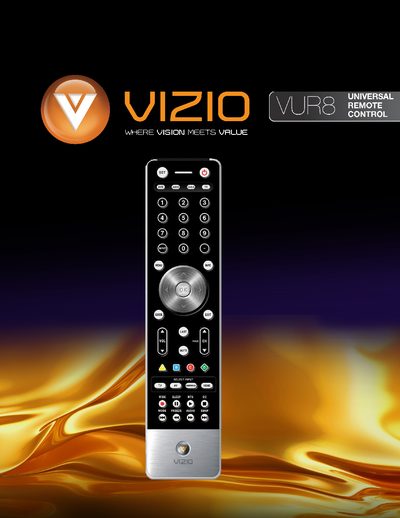
The VIZIO VUR8 is a universal remote that can control up to four different devices, including TV, DVD, audio receivers, and cable/satellite set‑top boxes. It offers dedicated buttons for each device type, a navigation wheel, and on‑screen display controls.
The manual covers battery installation, button functions, cleaning instructions, and step‑by‑step programming procedures for VCR, cable boxes, and DVD players, as well as searching for device codes and adjusting volume lock.
| Battery type | AA |
|---|---|
| Remote range | Approximately 30 feet (10 meters) |
| Supported devices | Up to four devices |
It can control up to four different devices.
Insert two AA batteries into the remote control, matching the polarity symbols.
Turn on the DVD player, press the DVD button, hold SET until the LED flashes twice, then enter the code; the LED will flash twice to confirm.