
This manual introduces the safety instructions for using VIZIO E series LCD monitors, including connection, cleaning, transportation and other precautions, please read carefully and keep it for future reference
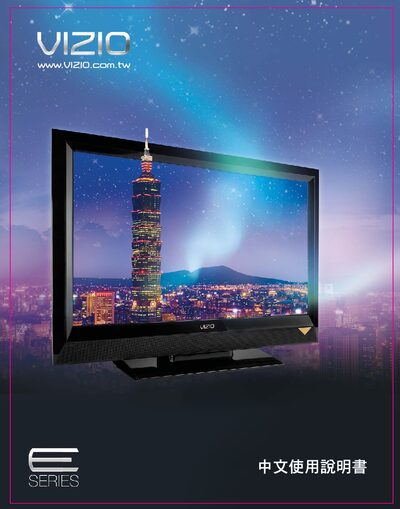
This manual covers important safety precautions, proper handling, and installation procedures for VIZIO E Series LCD monitors. It explains how to unpack, register the product, and safely clean or move the unit, emphasizing the need to power off the device before any connection or maintenance work.
The guide also details all input connections (HDMI, component, AV, USB, optical), basic and advanced on‑screen settings, USB multimedia functions, viewing modes, and troubleshooting tips. Specification tables for each model (E420VL, E470VL, E551VL) are included at the end of the document. This manual is written in Chinese.
| Resolution | 1920 × 1080 |
|---|---|
| Brightness | 500 cd/m² |
| Contrast ratio | 100 000:1 |
| Viewing angle | 178° (horizontal/vertical) |
| HDMI ports | 3 |
| Component (色差) inputs | 2 |
| AV inputs | 2 |
| USB multimedia ports | 1 |
| Power voltage | 100‑240 V AC, 50/60 Hz |
Use a damp cloth only; do not use any liquid, spray cleaners, or corrosive cleaning agents.
Turn off the power before connecting any components, use only manufacturer‑recommended accessories, keep the monitor at least 3 ft away from heat sources, and ensure ventilation openings are not blocked.
Each model in the E series provides three HDMI ports.
Two people should install the stand, following the step‑by‑step instructions and ensuring the surface is flat and clear of obstacles.