
Verkada BZ11 Horn Speaker Installation Guide

Installation guide for the Verkada BZ11 Horn Speaker, covering tools, mounting, cable sealing, and registration.
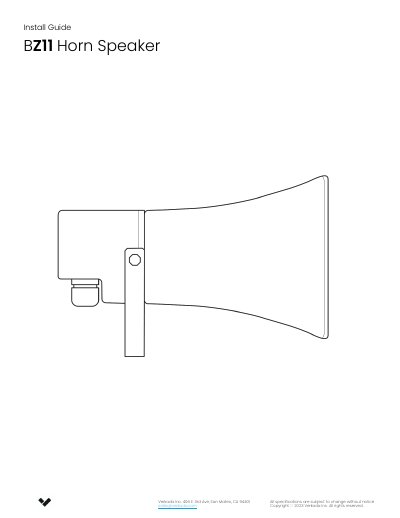

Verkada BZ11 Horn Speaker Installation Guide - cover page
Brand
Verkada
Category
Other Electronics
Document type
Installation Guide
Language
English
Pages
12
File format
PDF
File size
3.4 MB
Published
17 November, 2026
Updated
17 November, 2026
MD5 checksum
2D8CB119921E962F1B4CC57F35081E86

About this manual

This document is an installation guide for the Verkada BZ11 Horn Speaker. It details the necessary tools, including a #2 Phillips driver and specific drill bits for different wall types. The guide explains how to mount the bracket on wood, drywall, or masonry surfaces.

What's inside

  • Introduction
  • What's in the box
  • Mounting
  • Cable Sealing
  • Connect
  • Secure

Frequently asked questions

What does a solid blue LED mean on the horn speaker?

A solid blue LED means the speaker is powered and connected to the server.

How should the speaker horn be angled during installation?

The speaker horn should be angled downwards to avoid water accumulation inside the speaker.

What size drill bit is needed for pilot holes?

A 1/8 inch (3mm) drill bit is needed for pilot holes.

What Ethernet cable diameter is required?

A Cat5 or Cat6 Ethernet cable with a 0.2-0.25 inch diameter (5-6.5mm) is required.

Download PDF (3.4 MB)

More Verkada Manuals


View all Verkada manuals →