
Verkada ACC-MNT-XLARM-1 Large Arm Mount Installation Guide

This is an installation guide that introduces how to install the Verkada ACC-MNT-XLARM-1 large arm mount.
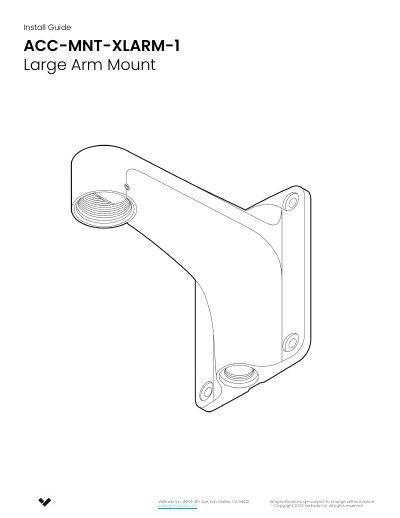

Verkada ACC-MNT-XLARM-1 Large Arm Mount Installation Guide - cover page
Brand
Verkada
Category
Other Electronics
Document type
Installation Guide
Language
English
Pages
6
File format
PDF
File size
1.4 MB
Published
26 October, 2023
Updated
26 October, 2023
MD5 checksum
9BEBCC2452AD12E986451DF627F0B5E9

About this manual

This document provides installation instructions for the Verkada ACC-MNT-XLARM-1 Large Arm Mount. It details the contents of the package, required tools, and compatible Verkada products. The guide explains how to route Ethernet cables through walls or conduit fittings.

What's inside

  • Introduction
  • What's in the box
  • Compatible products
  • Wiring
  • Installation
  • Mounting
  • Securing device to mount
  • Support

Frequently asked questions

What tools are required to install the mount?

You will need a hammer drill, a 5/16" masonry drill bit, a 7/16" or adjustable wrench, and a 1/2" drill bit or larger for routing cable.

What is the minimum distance required from wall edges when drilling pilot holes?

The pilot holes must be located at least 4" from wall edges or corners.

How deep must the pilot holes be drilled for concrete or masonry?

You must drill the pilot holes at least 2-3/4" deep.

Download PDF (1.4 MB)