
Verkada CM41-E Outdoor Mini Dome Camera Installation Guide

This guide provides installation instructions for the Verkada CM41-E Outdoor Mini Dome Camera, covering unboxing, mounting, wiring, and grounding.
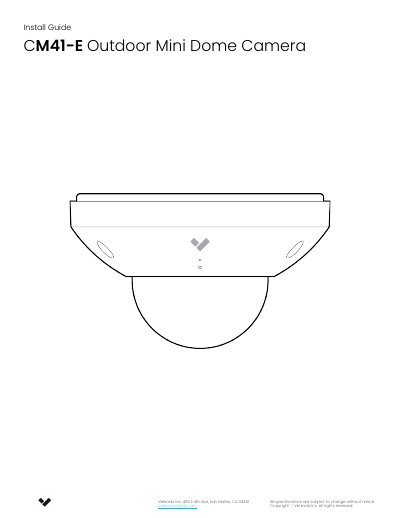

Verkada CM41-E Outdoor Mini Dome Camera Installation Guide - cover page
Brand
Verkada
Category
Other Electronics
Document type
Installation Guide
Language
English
Pages
13
File format
PDF
File size
4.8 MB
Published
14 November, 2026
Updated
14 November, 2026
MD5 checksum
284B9B105FE4FC3DA1A486001167979C

About this manual

This document is the official installation guide for the Verkada CM41-E Outdoor Mini Dome Camera. It details the contents of the package, required tools, and step-by-step procedures for mounting the camera on a wall or ceiling. The guide also explains how to connect the Ethernet cable, assemble the cable-sealing assembly, and properly ground the device.

What's inside

  • What's in the box
  • LED Behaviors
  • Mounting the camera
  • Cable sealing assembly
  • Grounding the device
  • Adjusting the viewing angle
  • Compliance and safety
Download PDF (4.8 MB)

More Verkada Manuals


View all Verkada manuals →