
Key facts
- Manuals
- 1
- Languages
- EN
- Last added
- 2023-10-26
Featured Verkada manuals
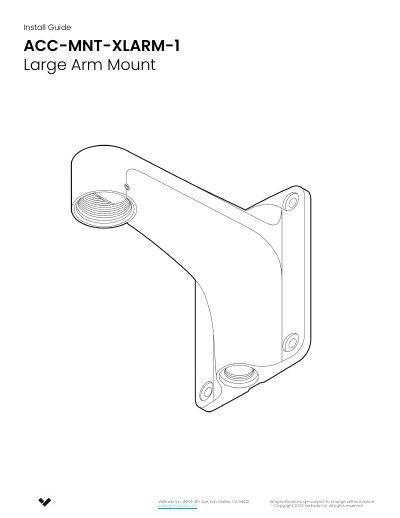
Verkada ACC-MNT-XLARM-1 Large Arm Mount Installation Guide
This document provides installation instructions for the Verkada ACC-MNT-XLARM-1 Large Arm Mount. It details the contents of the package, required tools, and compatible Verkada products. The guide explains how to route Ethernet cables through walls or conduit fittings.
Covers: Introduction · What's in the box · Compatible products · Wiring · Installation · Mounting
Latest Verkada manuals
Verkada ACC-MNT-XLARM-1 Large Arm Mount Installation Guide
Installation Guide 6 pages · 1.4 MB · ENInstallation guide for the Verkada ACC-MNT-XLARM-1 Large Arm Mount, covering wiring, mounting to concrete/masonry, and securing compatible devices.
Which document do I need?
Installation Guide
Mounting, wiring and first power-up. Read it before the hardware goes in.
Questions answered in Verkada manuals
What tools are required to install the mount?
You will need a hammer drill, a 5/16" masonry drill bit, a 7/16" or adjustable wrench, and a 1/2" drill bit or larger for routing cable.
From: Verkada ACC-MNT-XLARM-1 Large Arm Mount Installation Guide
What is the minimum distance required from wall edges when drilling pilot holes?
The pilot holes must be located at least 4" from wall edges or corners.
From: Verkada ACC-MNT-XLARM-1 Large Arm Mount Installation Guide