
This manual provides instructions for programming, operating, and troubleshooting the Verizon FiOS TV Remote Control Model P265v3.
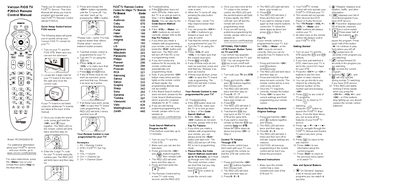
This user manual guides users on how to program and operate the new Verizon FiOS TV Remote Control (Model P265v3). It includes a quick setup guide for setting up the remote with your television, troubleshooting tips for common issues like unresponsive buttons or failed programming attempts, and instructions for optional features such as controlling volume through the Set Top Box.
| Model Number | P265v3 |
|---|---|
| Document Model Code | RC2655005/01B |
| Auto-Exit Timeout | 60 seconds |
Try the Key Fix feature by holding the non-working key while in programming mode, or reset the remote to original settings.
The process could take up to 12 minutes as it scans over 500 codes.
The remote control will automatically exit programming mode after 60 seconds of inactivity.