
This document is Verizon Wireless's user manual for its product XV6800, which introduces the basic usage methods of the product, including Bluetooth, making and receiving calls, voice mail, locking/unlocking, speakerphone, and changing ringtones.
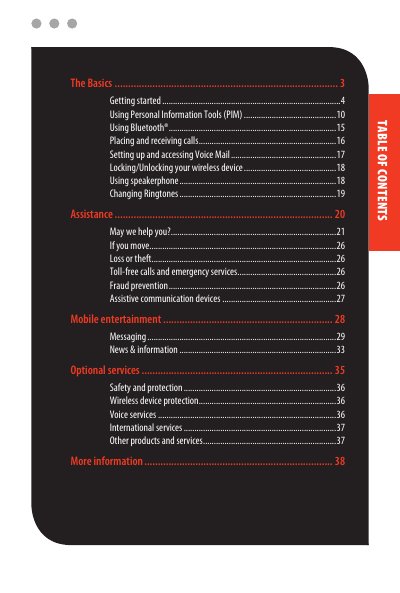
This guide introduces the Verizon Wireless XV6800 smartphone and explains its basic features and functions. It covers essential topics such as getting started, using the Personal Information Manager (PIM), Bluetooth connectivity, and making and receiving calls. The manual also details how to manage voice mail, lock the device, and use the speakerphone and ringtones.
The first LED shows blue for Bluetooth status and green for Wi-Fi status, while the second LED shows green and orange for SMS message and battery charging status.
You must press and hold the POWER button, and a Quick Start Wizard will then guide you through calibration and setup.
You must maintain a separation of six inches between the wireless phone and the device to avoid potential interference.