
User manual for the UT UT-66XXM-I series serial server, covering installation, technical specifications, WEB operation, and troubleshooting for RS422/485 to…
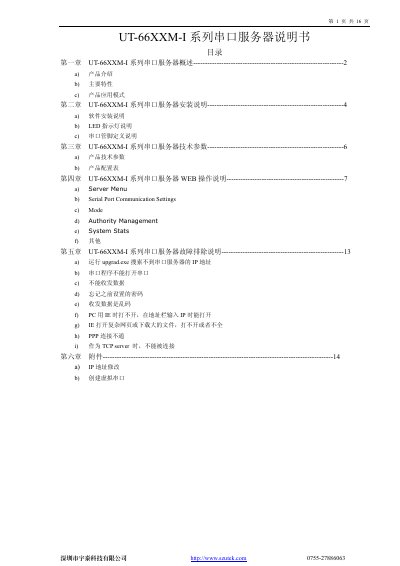
This manual provides instructions for the UT UT-66XXM-I series serial server, an intelligent device that converts asynchronous serial ports (RS422/485) to Ethernet. It features a built-in CPU, embedded OS, and complete TCP/IP protocol stack to enable transparent bidirectional data transmission between serial devices and networks.
The document covers product introduction, installation procedures including software and LED indicators, technical specifications for various models (2, 4, 8, and 16 ports), detailed WEB operation settings, and a troubleshooting guide for common issues such as IP address discovery and data transmission errors. This manual is written in Chinese.
| Serial Ports | 2, 4, 8, or 16 |
|---|---|
| Processor | 32-bit 100MHz |
| Memory | 2M to 8M RAM |
| Baud Rate | 50-460800bps |
| Network Speed | 10/100M Adaptive |
| Operating Temperature | -10°C to 60°C |
| Power Supply | DC 5V, 2A or AC 220V |
| Dimensions | 113x77x23mm |
The default IP address is 192.168.1.125.
Yes, it provides Windows virtual COM driver software.