
This document introduces the safety precautions, model and suffix codes, installation methods, hardware specifications, wiring methods, and terminal wiring diagrams of the UM33A with alarm digital indicator. It also provides information on the target audience and the safety, protection, and modification of the product.
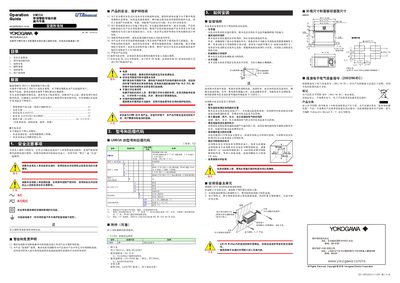
This manual covers safe handling, model codes, installation requirements and hardware specifications for the UM33A digital indicator with alarm. It guides engineers through wiring, terminal diagrams, power connections and environmental considerations.
The guide also explains the quick‑setup function, how to set input types, alarm types, front‑panel operation, monitoring screens, alarm value configuration and troubleshooting steps. This manual is written in Chinese.
| Power supply voltage | 100‑240 V AC (+10%/‑15%) 50/60 Hz |
|---|---|
| Power consumption | 15 VA (7 VA DC, 11 VA AC if DC option selected) |
| Ingress protection | IP56 (front panel) |
| Weight | ≤ 0.5 kg |
| Dimensions (W × H × D) | 96 mm × 48 mm × 65 mm |
| Input range (K1 thermocouple) | -270 °C to 1370 °C |
It meets IEC/EN 61010‑1, UL 61010‑1 and CSA 61010‑1 safety standards.
Power on the indicator, then when the initial screen shows YES, press the SET/ENTER key to launch quick‑setup.
The device operates from –10 °C to 50 °C with humidity between 20 % and 90 % RH.