
The UT-453 bridge module manual provides overview, installation, configuration, and troubleshooting instructions.
The UT-453 bridge module converts RS‑232/485/422 serial ports to TCP/IP network interfaces, offering transparent bidirectional data transfer. It includes hardware features such as a 32‑bit LX6 CPU, 10/100 M Ethernet with isolation, and multiple serial ports.
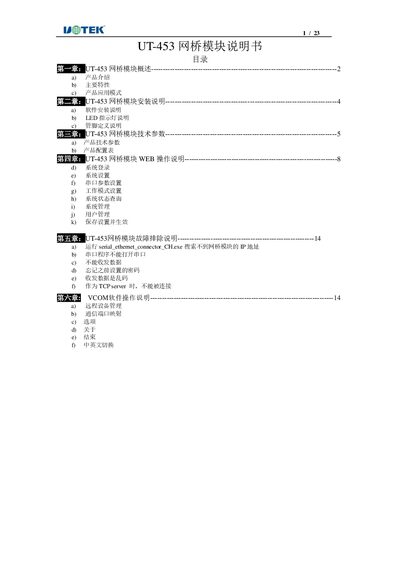
The manual covers product overview, installation steps, technical specifications, web‑based configuration, VCOM software usage, and troubleshooting guidance, with detailed LED indicator descriptions and reset procedures. This manual is written in Chinese.
| Processor | 32‑bit LX6 240 MHz |
|---|---|
| Memory | 520 KB |
| Ethernet Interface | 10/100 M with 1.5 kV isolation, auto‑MDI/MDI‑X |
| Serial Ports | RS‑232/485/422 |
| Power Supply | DC 5‑12 V |
| Maximum Power Consumption | 12 V @ 50 mA |
| Operating Temperature | -40 °C to 85 °C |
| Storage Temperature | -40 °C to 85 °C |
| Dimensions (L×W×H) | 65 mm × 27 mm × 14 mm |
Press the Reset key on the unit to force a reset.
PWR (red) indicates power, RUN (green) shows operation, LINK (green) signals network link, and ACT (yellow) indicates data activity.