
Key facts
- Manuals
- 2
- Languages
- ZH
- Last added
- 2026-09-29
Featured UT manuals
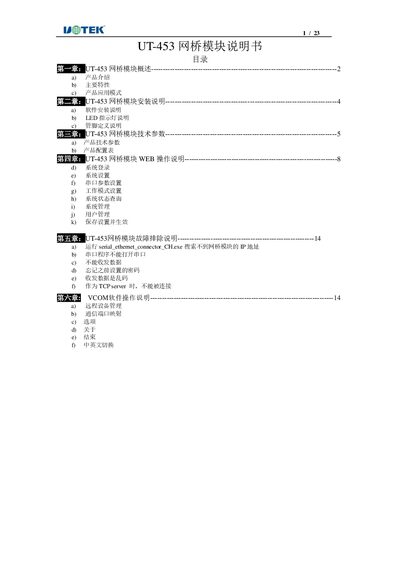
UT UT-453 Bridge Module User Manual
The UT-453 bridge module converts RS‑232/485/422 serial ports to TCP/IP network interfaces, offering transparent bidirectional data transfer. It includes hardware features such as a 32‑bit LX6 CPU, 10/100 M Ethernet with isolation, and multiple serial ports.
The manual covers product overview, installation steps, technical specifications, web‑based configuration, VCOM software usage, and troubleshooting guidance, with detailed LED indicator descriptions and reset procedures. This manual is written in Chinese.
Covers: Overview · Installation · Technical Parameters · Web Operation · Troubleshooting · VCOM Software Operation
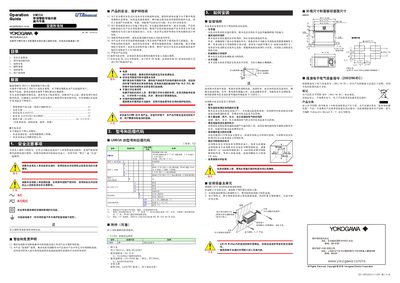
Yokogawa UM33A Digital Indicator Operation Manual
This manual covers safe handling, model codes, installation requirements and hardware specifications for the UM33A digital indicator with alarm. It guides engineers through wiring, terminal diagrams, power connections and environmental considerations.
The guide also explains the quick‑setup function, how to set input types, alarm types, front‑panel operation, monitoring screens, alarm value configuration and troubleshooting steps. This manual is written in Chinese.
Covers: Safety Precautions · Model and Suffix Codes · Installation · Hardware Specifications · Wiring and Terminal Diagrams · Quick Setup Function
Latest UT manuals
UT UT-453 Bridge Module User Manual
User Manual 23 pages · 1.5 MB · ZHThe UT-453 bridge module manual provides overview, installation, configuration, and troubleshooting instructions.
Yokogawa UM33A Digital Indicator Operation Manual
User Manual 8 pages · 3.2 MB · ZHThe Yokogawa UM33A digital indicator manual provides safety, installation, wiring, quick‑setup and alarm configuration instructions.
Which document do I need?
User Manual
Day-to-day operation, settings and troubleshooting. Start here if the product is already set up.
Questions answered in UT manuals
How can the device be reset if it freezes?
Press the Reset key on the unit to force a reset.
What do the LED indicators on the UT‑453 represent?
PWR (red) indicates power, RUN (green) shows operation, LINK (green) signals network link, and ACT (yellow) indicates data activity.
What safety standards does the UM33A comply with?
It meets IEC/EN 61010‑1, UL 61010‑1 and CSA 61010‑1 safety standards.
How do I start the quick‑setup function?
Power on the indicator, then when the initial screen shows YES, press the SET/ENTER key to launch quick‑setup.