
Key facts
Start here
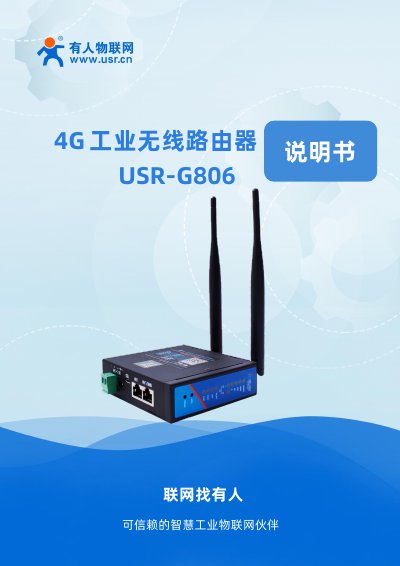
USR G806 Industrial 4G Router User Manual
User Manual 111 pages · 36.3 MB · ZH
The USR-G806 is a high-performance industrial 4G router designed to provide rapid networking solutions using public wireless networks. It utilizes an embedded CPU with a frequency of up to 580MHz and supports various hardware interfaces combined with powerful software functions for quick network deployment in M2M industries, smart grids, personal healthcare, and automation. This manual is written in Chinese.
Read onlineUSR G806 specifications
| Power Supply | DC5.0~36.0V |
|---|---|
| Wireless Standard | 802.11b/g/n, 2.4GHz |
| SIM Card Interface | Standard 6-pin drawer type |
| Operating Temperature | -20℃~70℃ |
| Average Power Consumption (12V) | 1.8W |
All USR G806 documents by type
User Manual 3
Day-to-day operation, settings and troubleshooting. Start here if the product is already set up.
Questions answered in these manuals
What is the default IP address for the router?
The default IP address is 192.168.1.1.
What are the default login credentials?
Both the username and password are 'root'.
What is the default login username and password?
The default username and password are both "root".
How do I reset the router to factory settings?
Press the Reload button, which performs a one‑click factory reset.