
User's manual for the Uniden R3 long range radar/laser detector, covering installation, display, menu settings, features, maintenance, and troubleshooting.
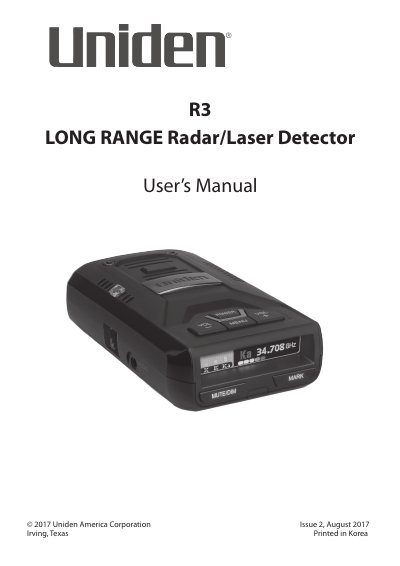
The Uniden R3 is a radar/laser detector with a built-in GPS feature. The manual explains how to mount the unit on a windshield or dashboard, power it on, and use the supplied 12V DC power cord. It also describes the parts of the R3, the OLED display, and the menu system.
Settings covered include Highway, City, and City 2 modes, GPS-related camera alerts, band and laser options, POP detection, and filters. The document also covers user marks, mute memory, quiet ride, maintenance, firmware/database updates, troubleshooting, specifications, and warranty information.
| Detection | Super Long Range Laser Radar Detection |
|---|---|
| GPS | Built-in |
| Display | OLED |
| Mute Memory capacity | Up to 200 points |
| Signal strength display | 5 levels |
| Volume levels | 7 levels: 0 - 6 |
| Monitoring radius | 360 ° |
Mount it in the middle of the windshield between the driver and passenger. Attach the suction cups to the bracket, push them onto the windshield, and slide the unit in until it clicks.
The R3 stores up to 200 Mute Memory points.
When not in Menu mode, press and hold MENU to change modes between Highway, City, and City 2.