
This user manual provides operating instructions for the Triplett TDR100 Cable Length Tester, covering safety, setup, measurement procedures, and…
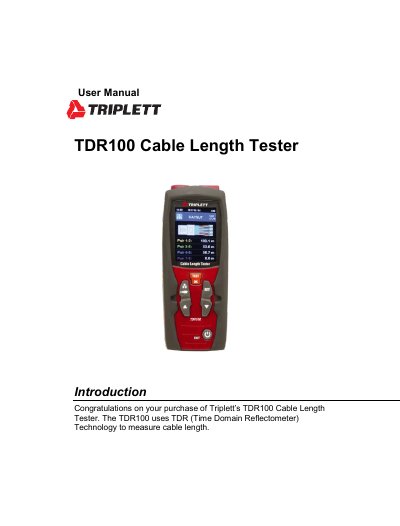
The Triplett TDR100 Cable Length Tester utilizes Time Domain Reflectometer (TDR) technology to measure the length of coaxial and network cables. The device features a clear LCD display and intuitive navigation using dedicated keys for selecting cable types and measurement modes.
| Measuring principle | Time domain reflectometer |
|---|---|
| Measuring range (shortening factor ≤99.9%) | 5 ... 3000 m / 16.4 ... 9842.5 ft |
| Measurement accuracy (<100 m) | ± [2% of reading ± 0.2 m] |
| Connector type | BNC, RJ45 |
| Power supply | 2 x 1.5V AA battery |
| Operating temperature | 0 ... 40°C / 32 ... 104°F |
The device requires 1.5 V AA Alkaline batteries.
The meter turns off automatically after 10 minutes of inactivity by default.
No, measured values will not be saved when viewing the history.