
Key facts
- Manuals
- 1
- Languages
- EN
- Last added
- 2026-10-05
Featured Triplett manuals
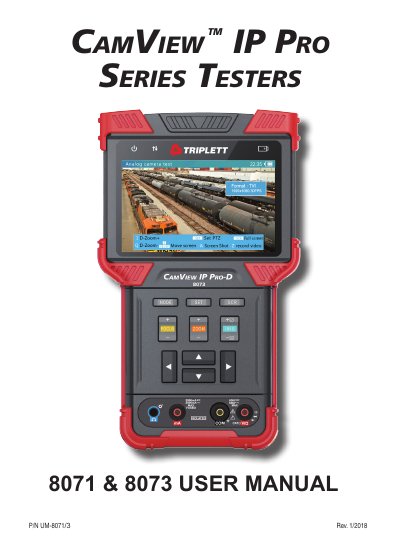
Triplett CamView Pro Series User Manual
This manual introduces the Triplett CamView Pro series testers, which are portable devices used for installing and maintaining surveillance video equipment. It begins with safety information, required accessories, and basic battery handling instructions to ensure reliable and safe operation.
The guide then details the device’s functions, including IP and analog camera testing, Ethernet cable diagnostics, network analysis tools, audio testing, RS‑485 data monitoring, and a built‑in digital multimeter (Pro‑D model). It also covers firmware updates, report exporting, and warranty information.
Covers: Introduction · Device Diagram and Functions · Basic Operation · How to Use CamView Pro, Pro‑C, Pro+ and Pro‑D · Network Analysis Tools · Recording and Accessing Snapshots
Latest Triplett manuals
Triplett CamView Pro Series User Manual
User Manual 54 pages · 16.8 MB · ENThe Triplett CamView Pro Series user manual provides safety guidelines, setup steps, testing procedures, and technical specifications for IP and analog…
Which document do I need?
User Manual
Day-to-day operation, settings and troubleshooting. Start here if the product is already set up.
Questions answered in Triplett manuals
How long may the battery be charged?
Charging time should not exceed 8 hours; disconnect power if the battery becomes hot.
What types of cameras can the CamView Pro series test?
It can test IP cameras (ONVIF, RTSP, RTP), standard‑definition analog NTSC/PAL cameras, and high‑definition analog cameras such as AHD, TVI, and HD‑CVI depending on the model.