
The Low Voltage Pro is a powerful, all-in-one tester that displays all available tests at once. It also features short training videos to help users quickly master how to use the device.
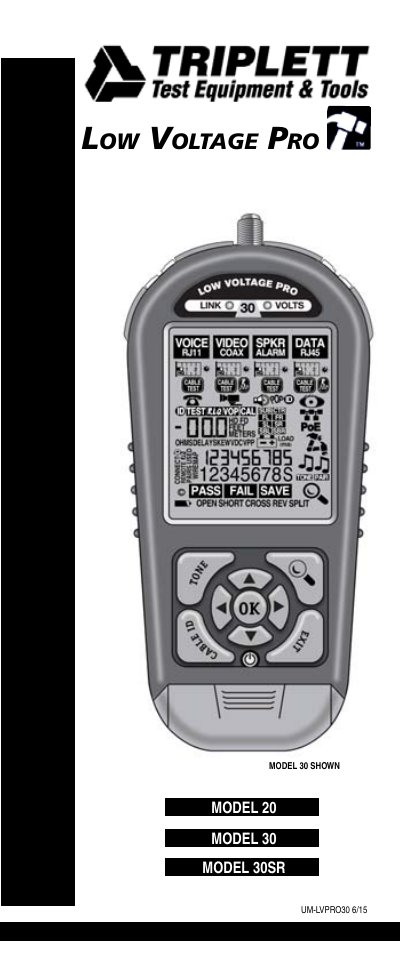
The Low Voltage Pro is a Triplett cable and device tester family with Models 20, 30 and 30SR. It includes cable testing with TIA586 tests, Pass/Fail, timing, impedance, length and RLQ, plus device tests for data, speaker/alarm, video and phone devices.
All models include wall jack and speaker identifiers and work with speaker, coax, alarm and Category cable, with adjustable VOP. Model 30 can store up to 250 tests for later printing, and the tester can be upgraded via the web using LVPro Manager software and a USB cable.
| Voltage protection | Up to 60 volts |
|---|---|
| Report storage | Up to 250 tests |
| Units | Feet and metric selectable |
| Display viewing angle | 60 degrees |
| CCTV test minimum | 1 Vpp |
Model 30 can store up to 250 tests for later printing, and all data is stored except RLQ.
Yes, it can be upgraded via the web using LVPro Manager software and the included USB cable.
RLQ (Return Loss Quality) tests for load mismatches that affect the wire's power and data transfer capability.
The LVPro is protected from voltage up to 60 volts.