
This manual covers the setup, operation, and troubleshooting for the Transcend TS8XDVDRW slim portable CD/DVD writer.
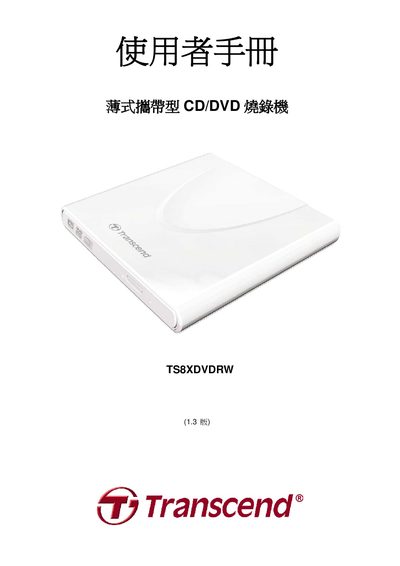
This user manual provides instructions for the Transcend TS8XDVDRW, a slim portable CD/DVD writer designed for use with desktop or laptop computers via USB 2.0. The device supports writing speeds up to 8x for DVD media and 24x for CD media, and includes CyberLink Power2Go software for disc creation.
The guide details the package contents, system requirements, and general usage precautions. It explains how to connect the device, insert and eject discs, and use the included software. Additionally, it covers troubleshooting common issues such as the device failing to start or being unable to read discs, along with technical specifications and warranty information. This manual is written in Chinese.
| Dimensions | 156.2 x 142.0 x 22.5 mm |
|---|---|
| Write Speed (DVD±R) | 8X |
| Write Speed (CD-R/RW) | 24X |
| Operating Temperature | 5℃ to 40℃ |
| Warranty Period | 2 years |
The device comes with the CyberLink Power2Go software suite.
The device requires a functioning USB 2.0 port connected to a computer running Windows XP, Vista, or 7.
The disc may be dirty, scratched, or damaged; try cleaning it with a CD/DVD cleaner or water.