
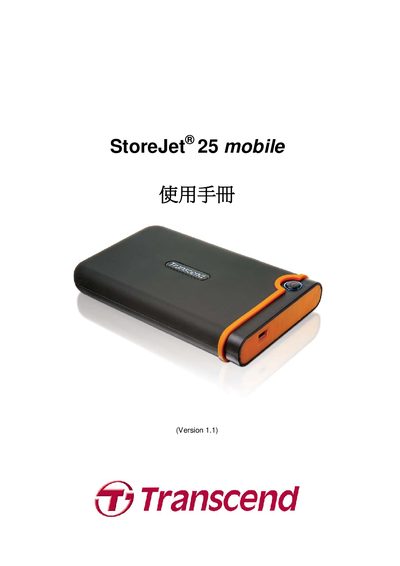
This guide explains how to install and use the StoreJet 25 mobile portable storage device. It covers supported operating systems, connection methods, and basic features such as the OneTouch button and reset procedure.
The manual also lists the physical dimensions, weight, interface specifications, and warranty information, helping users understand the device’s capabilities and safety limits.
| Dimensions | 134 mm × 80.8 mm × 18.8 mm |
|---|---|
| Weight | 206 g |
| Interface | USB 2.0, 480 Mbps |
| Drive Interface | 2.5" SATA |
| Operating Temperature | -5 °C (41 °F) to 55 °C (131 °F) |
The device works with Windows 2000/XP, Windows Vista, Windows 7, Mac OS 9.0, and Linux kernel 2.4.
Create a mount point (e.g., /mnt/Storejet) and run mount -a -t msdos /dev/sda1 /mnt/Storejet.