
TP-Link TL-R402M/TL-R460/TL-R860 Wireless Router Quick Setup Guide

This guide provides quick installation and setup instructions for the TP-Link TL-R402M, TL-R460, and TL-R860 wireless routers, covering hardware connection…
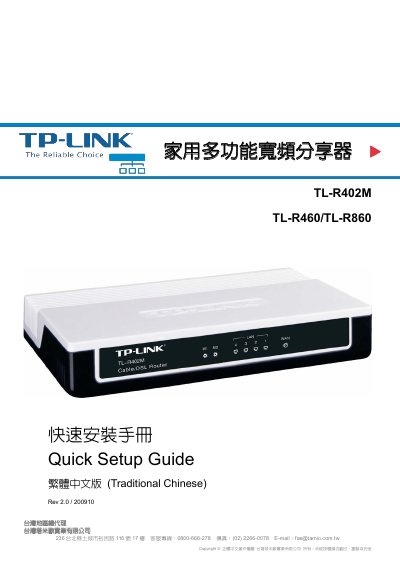

TP-Link TL-R402M/TL-R460/TL-R860 Wireless Router Quick Setup Guide - cover page
Brand
TP-Link
Category
Router
Document type
Quick Start Guide
Language
ZH-TW
Pages
16
File format
PDF
File size
3.8 MB
Updated
18 October, 2026
MD5 checksum
CB64B6CBA78A3025EF1B3A049BCD261B

About this manual

This document is a Quick Setup Guide for the TP-Link TL-R402M, TL-R460, and TL-R860 multi-function broadband routers. It details the contents of the product packaging, describes the front and back panel indicators and ports for each model, and explains how to install the hardware. This manual is written in Chinese.

What's inside

  • Product Packaging
  • Product Introduction
  • Easy Setup Assistant
  • Quick Internet Setup
  • LAN Settings
  • WAN Settings
  • DNS Settings
  • Time Settings
  • Factory Default Reset
  • Technical Support

Specifications

Default LAN IP Address192.168.1.1
Default Login Usernameadmin
Default Login Passwordadmin

Frequently asked questions

What is the default IP address for the router?

The default LAN IP address is 192.168.1.1.

What are the default login credentials?

Both the username and password are 'admin'.

How do I connect the router to the internet?

Connect your computer to the LAN port and your modem to the WAN port.

Download PDF (3.8 MB)

More TP-Link Manuals


View all TP-Link manuals →