
This guide explains how to operate the Tonghui TH283X series compact LCR digital bridge, covering setup, measurement parameters, and testing procedures.
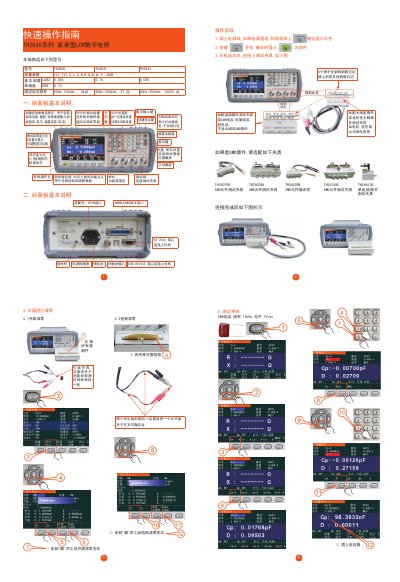
The guide introduces the TH283X series compact LCR digital bridge, describing the front‑panel and rear‑panel controls, power‑on sequence, and the standard test fixtures for through‑hole components such as CBB, electrolytic and tantalum capacitors. It also notes that SMD components require special fixtures.
Operational instructions cover selecting measurement functions, ranges, speed, and input settings, as well as performing sorting and list‑scan modes for capacitor testing. Connection options include GPIB, USB, RS‑232C, and a mechanical‑hand interface for external control. This manual is written in Chinese.
| Measurement Accuracy | LCR Z 0.05% / 0.1% / 0.05% ; DCR 0.1% |
|---|---|
| Test Signal Frequency (TH2830) | 50 Hz – 100 kHz, 34 points |
| Test Signal Frequency (TH2831) | 50 Hz – 200 kHz, 37 points |
| Test Signal Frequency (TH2832) | 20 Hz – 200 kHz, 15025 points |
| Measured Parameters | Z, Y, C, L, X, B, R, G, D, Q, θ, DCR |
Use the Measurement Control Parameter Selection area to choose test functions, ranges, speed, frequency, level and bias voltage.
Press the sequence of keys as shown (e.g., two presses, then two presses, then four, then eight, then two) to initiate the list‑scan mode.