
TM TM300 Mobile Phone User Manual

User manual for the TM TM300 mobile phone, covering installation, usage, safety, and network services.
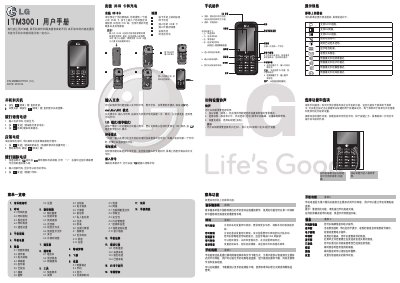

TM TM300 Mobile Phone User Manual - cover page
Brand
TM
Category
Mobilephone Accessories
Document type
User Manual
Language
Chinese
Pages
2
File format
PDF
File size
1.1 MB
Published
30 October, 2026
Updated
30 October, 2026
MD5 checksum
1EF950399E885D9FED929EC6598B63D3

About this manual

This document is the user manual for the TM TM300 mobile phone. It provides instructions on installing the USIM card, charging the battery, and navigating the device's interface.

The manual details the various menu functions available on the phone, including music player, calling features, video, TV, information services, browser, contacts, tools, and settings. It also explains how to use the keyboard for text input and how to operate the phone's hardware buttons. This manual is written in Chinese.

What's inside

  • Installing USIM Card
  • Menu Overview
  • How to Set Ringtone
  • Power On and Off
  • Making and Answering Calls
  • Text Input Modes
  • Mobile Dream Network
  • Phone Video and TV
  • Music Player
  • Hardware Buttons

Frequently asked questions

What is the model of the phone?

The model is TM300.

How do you turn on the phone?

Press and hold the [结束] key until the phone turns on.

What is the international dialing prefix on this phone?

Press * twice quickly or hold * to get the international dialing prefix.

Download PDF (1.1 MB)

More TM Manuals


View all TM manuals →