
User manual for the Thomson TGBF1257 body fat analyzer, covering battery setup, app pairing, daily measurement and troubleshooting.
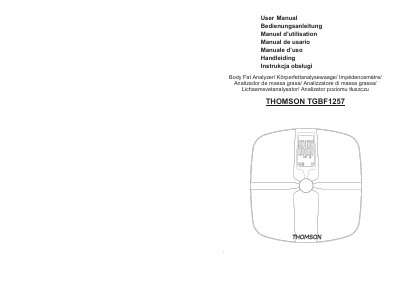
This multilingual user manual covers the Thomson TGBF1257 body fat analyzer. It shows the LCD display, electrodes, UNIT and pairing button, and battery compartment, and explains the display symbols for Bluetooth connection, data transmission and low battery.
The guide describes initial start-up, inserting batteries, downloading the Thomson Healthcare App, pairing the scale with a smartphone or tablet, selecting kg/st/lb, and taking daily measurements barefoot with full contact on the electrodes. It also gives troubleshooting steps for pairing failures and includes compliance and warranty information.
| Measurement units | kg/st/lb |
|---|---|
| Maximum Bluetooth distance | Less than 10 meter |
| Display type | LCD |
Press and hold the UNIT button on the back of the scale to start pairing.
Press the UNIT button on the back of the scale to select kg, st or lb.
Stand still and keep full contact with the electrodes until the LCD stops blinking “kg”.
The scale and Bluetooth device must be less than 10 meters apart, the smartphone or tablet must have Bluetooth Smart 4.0, and Bluetooth and the app must be on.