
testo 510i Smart Probes Pressure Gauge Instruction Manual

Instruction manual for the testo 510i Smart Probes pressure gauge, covering safety, setup, Bluetooth connection, app operation, and reading export.
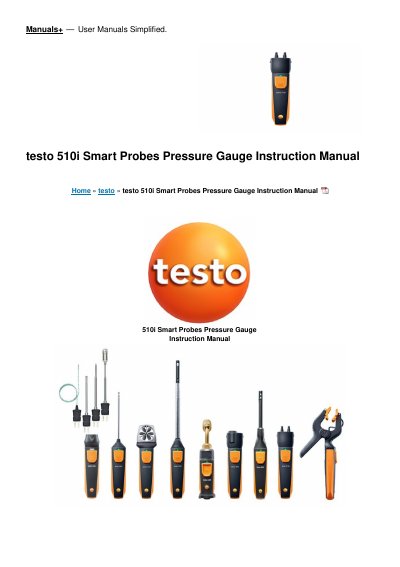

testo 510i Smart Probes Pressure Gauge Instruction Manual - cover page
Brand
testo
Category
Monitoring Equipment
Document type
User Manual
Language
English
Pages
36
File format
PDF
File size
890 KB
Published
17 November, 2026
Updated
17 November, 2026
Model
510i
MD5 checksum
55613C204A4D2DFF67E418D557BACEB0

About this manual

testo 510i Smart Probes Pressure Gauge Instruction Manual is the user manual for the testo 510i Smart Probe pressure gauge. It covers safety and environmental information, specifications, product description, first steps, and using the Testo SMART App.

The manual also describes LED status meanings, Bluetooth connection steps, app views and settings, and exporting readings as Excel (CSV) or PDF.

What's inside

  • Safety and the environment
  • Specifications
  • Product description
  • First steps
  • Using the App
  • Maintaining the product
  • Tips and assistance
  • Technical data
  • Certifications
  • Documents / Resources

Specifications

CompatibilityiOS 12.0 or later, Android 6.0 or later, Bluetooth 4.2

Frequently asked questions

How do I switch off the Smart Probe?

Press and hold the button on the Smart Probe.

What does a flashing red LED indicate?

It indicates a low battery status.

What is needed to establish a Bluetooth connection?

A tablet or smartphone with the Testo SMART App installed, meeting the stated iOS, Android, and Bluetooth compatibility requirements.

Download PDF (890 KB)

More testo Manuals


View all testo manuals →