
This document is an operation manual for testo 171 electronic data logger. It provides instructions on how to connect the data logger to a computer and installation requirements. Additionally, it explains how to program and use the data logger.
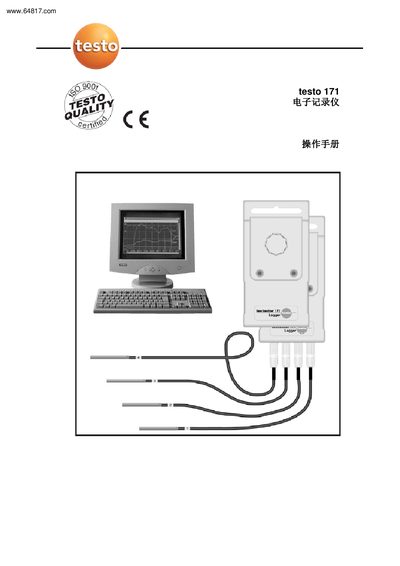
The Testo 171 electronic recorder connects to a computer via a 9‑pin mini‑D connector or a standard adapter. It can be equipped with an optional display module for on‑site reading. The device runs on Windows and requires a COM port or compatible adapter for communication.
The software installation requires Windows 95/NT/2000, a Pentium 100 MHz CPU, 32 MB RAM, and at least 15 MB of free disk space. After installing the driver, users can create or load measurement programs, configure probes, set limits, and manage data storage, including password protection and online measurement features. This manual is written in Chinese.
| Minimum CPU | Pentium 100 MHz |
|---|---|
| Minimum RAM | 32 MB |
| Minimum Hard Disk Space | 15 MB |
| Interface | 9‑pin mini‑D connector or standard adapter |
| Battery Life | Several years |
| Maximum Stored Data Groups | 5,500 or 20,000 groups (overwrite mode) |
Connect the recorder using the 9‑pin mini‑D connector or a compatible standard adapter to the computer’s COM port.
The recorder can store up to 5,500 or 20,000 data groups; in overwrite mode, older data are replaced when the memory is full.