
Quick start guide for Sun SPARC Enterprise T5440 server with Solaris preinstalled, covering setup, connections, and initial configuration steps.
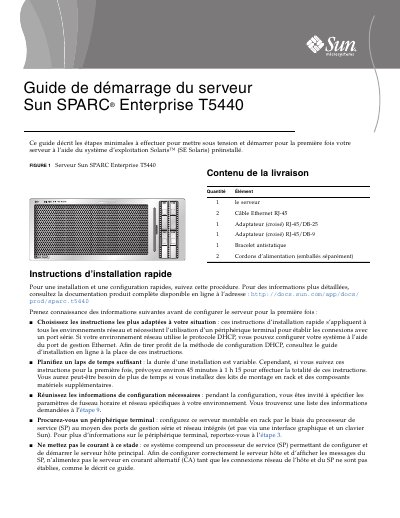
This guide provides step-by-step instructions for first-time setup of the Sun SPARC Enterprise T5440 server with preinstalled Solaris. It covers connecting via serial terminal or Ethernet, configuring network and system settings, and booting the server. The guide assumes users have a terminal device and cables for initial setup.
After initial configuration, users can explore system commands like showrev, psrinfo, and prtdiag to verify system status and hardware. Additional documentation and support resources are available online. This manual is written in French.
Log in as root with the password 'changeme' on the terminal device.
Plan for approximately 45 minutes to 1 hour 15 minutes for first-time setup, or longer if installing rack kits or additional hardware.