
This is the user manual for the Sony DPP-FP67/FP77 digital photo printer, covering setup, printing from various sources, image editing, and troubleshooting.
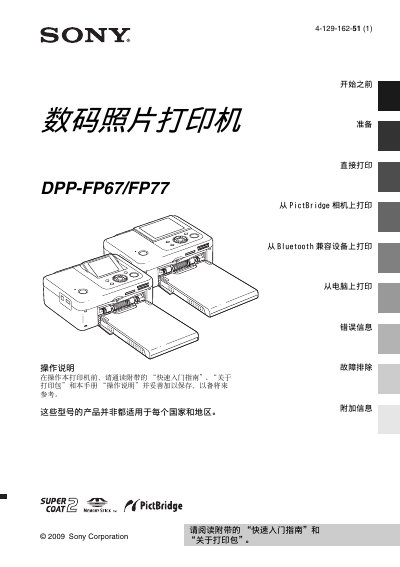
This document serves as the user manual for the Sony DPP-FP67 and DPP-FP77 digital photo printers. It provides instructions on preparing the device, including checking the package contents, installing the ink cartridge, and connecting power. The guide details how to print directly from the printer, from PictBridge-compatible cameras, Bluetooth devices, and computers using the Picture Motion Browser software. This manual is written in Chinese.
| LCD Screen Size | 2.4 inch (DPP-FP67) / 3.5 inch (DPP-FP77) |
|---|---|
| Software Version | Ver.1.0 |
| PMB Version | Ver.4.2 |
The LCD screen has an effective pixel rate of over 99.99%.
The DPP-FP67 features a 2.4-inch type liquid crystal display.
The CD-ROM contains Windows printer driver software Ver.1.0 and PMB (Picture Motion Browser) Ver.4.2.