
This is the operating instructions of Sony NR70V/U handheld device.
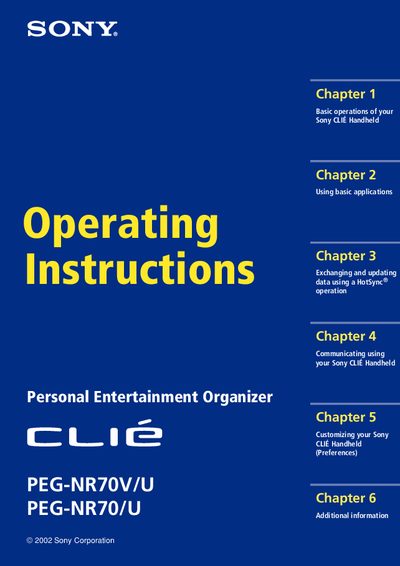
This manual provides step‑by‑step instructions for using the Sony CLIE PEG‑NR70V/U handheld. It covers turning the device on and off, entering data, using the built‑in applications such as Date Book, Address Book, To‑Do List, Memo Pad, and Calculator, and performing HotSync operations with a computer.
Additional sections explain how to beam data to other Palm OS devices, work with Memory Stick media, customize preferences, back up data, and troubleshoot common issues. The document also includes an index and specifications for reference.
Press the POWER button to turn the device on; press it again to turn it off. Holding the POWER button for two seconds toggles the backlight.
You can back up data to your computer through a HotSync operation or to a Memory Stick media using the MS Backup application.