
This manual provides operating instructions for the Sony DPP-FP65 and DPP-FP75 digital photo printers, covering setup, printing from various sources, image…
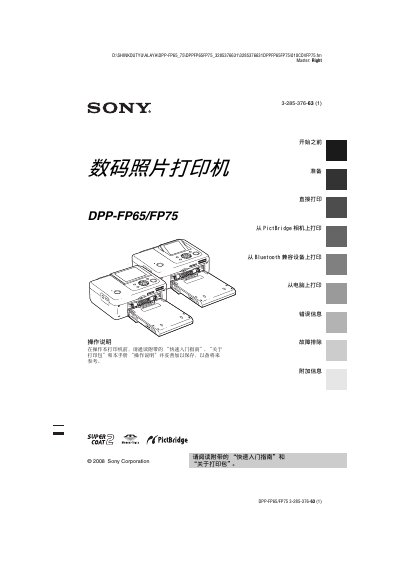
This document is the user manual for the Sony DPP-FP65 and DPP-FP75 digital photo printers. It guides users through initial preparation, including checking package contents, installing the print cartridge, and connecting power or storage media.
The guide details how to perform direct printing from the printer's LCD screen, as well as printing from PictBridge-compatible cameras, Bluetooth devices, computers, and USB memory sticks. It also covers image editing functions such as red-eye correction, cropping, rotating, and layout adjustments before printing. This manual is written in Chinese.
The LCD screen on the DPP-FP65 is a 2.4-inch type.
The DC IN port requires an input of 24 V.