
The sonible smart:EQ 2 user manual covers installation, authorization, and operation of the intelligent equalizer plug-in for audio mixing.
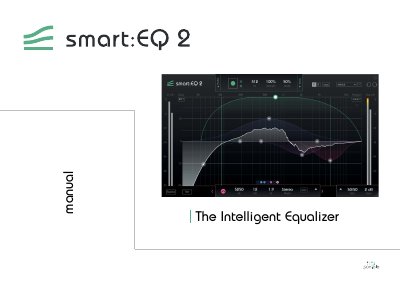
smart:EQ 2 is an intelligent equalizer that analyzes audio material and generates a custom filter curve to create a natural sounding tonal balance. The plug-in combines musical sounding filters with AI technology based on decades of mixing and mastering experience.
This manual explains how to install smart:EQ 2 on Windows and Mac OSX, unlock it with a license key or iLok, and use the interactive equalizer, filter parameters, M/S processing, smart:filter, and settings.
| CPU | Intel Core Duo, i5 |
|---|---|
| Operating systems | Windows 7 (32/64 bit), Windows 10 (32/64 bit), Mac OSX 10.7+ |
| Filter bands | seven linear phase filter bands |
Extract the downloaded zip file and run the installation file smartEQ2_installer.exe.
Enter your license key and click register, or attach an iLok to your computer.
Yes, click “try” to use smart:EQ 2 for a couple of days without limitations.